 Story Progress Saves
Windows
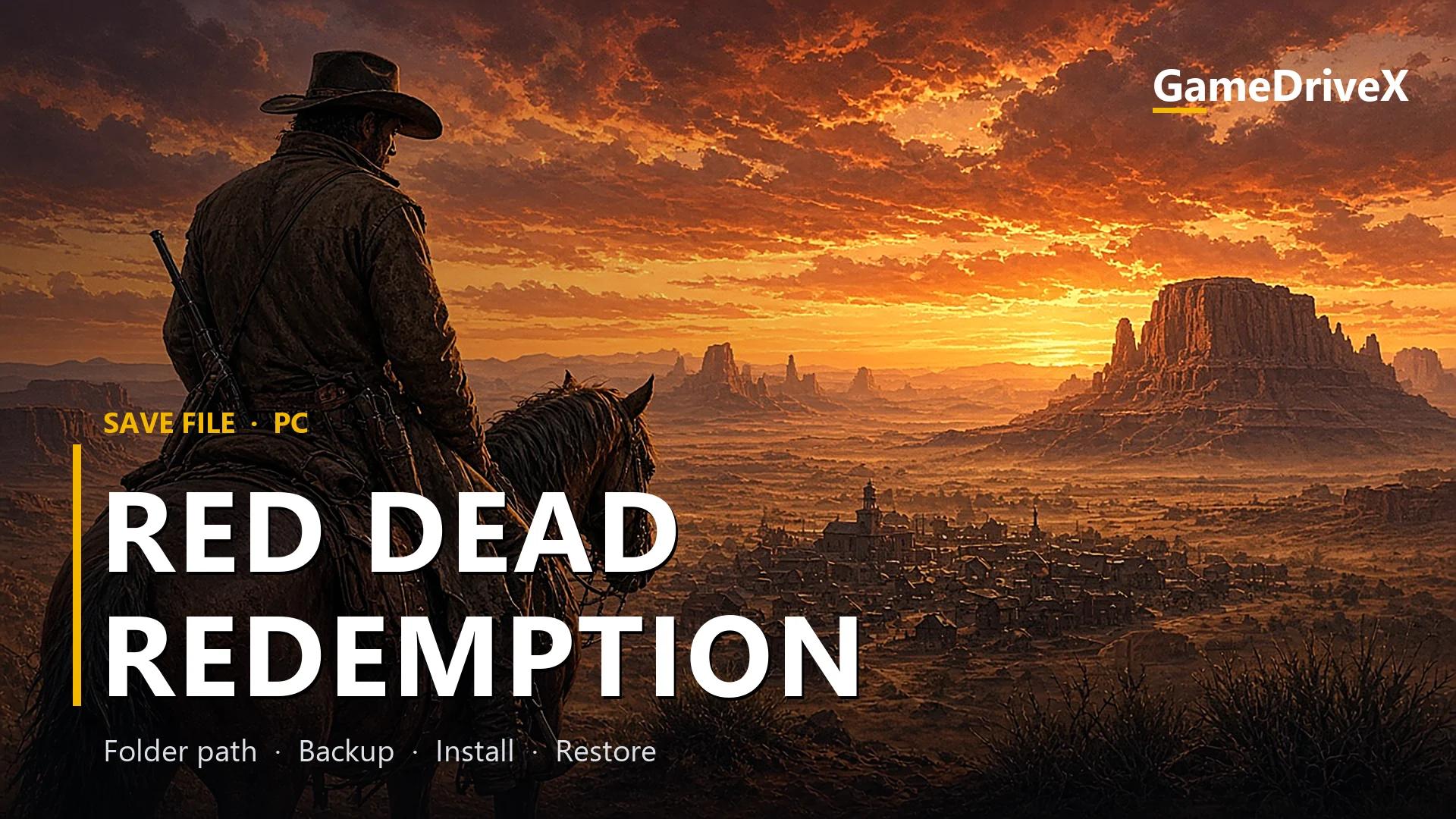
Red Dead Redemption 100% Working Save File for PC
Red Dead Redemption
red dead redemption 100% working save file. Red Dead Redemption save file for PC: location, backup, install, load fixes.
By GameDriveX Editorial Team · Published · Updated
About this save
Red Dead Redemption is a third-person action, open world and shooter game by Rockstar San Diego and Rockstar North, released on Windows on October 29, 2024. It runs on RAGE. It is part of the Red Dead series. The game offers singleplayer.
The download is a RAR archive of 80 KB (226 KB once extracted) with 2 save-related files, mostly .sav files, an extension many Unreal Engine games use for saves.
Save files for this game belong in %USERPROFILE%\Documents\Rockstar Games\Red Dead Redemption\Profiles\<your account ID>. The Steam app ID is 2668510.
The game is sold through Epic Games Store, Microsoft Store and Steam according to its store listings. Whether the file behaves the same on each store is untested here.
What is inside the download
RDR2SAVE1.SAV(113 KB)RDR2SAVE2.SAV(113 KB)
Save location
Windows
%USERPROFILE%\Documents\Rockstar Games\Red Dead Redemption\Profiles\<your account ID>
Windows
Folder names can differ between launchers and game versions. If the folder is missing, check the game's official support page.
1. Back up your current saves
- 1Exit the game and the launcher; a running game can rewrite saves while you copy.
- 2This one lives in your Documents folder. Open File Explorer and go to Documents. If Windows is backing Documents up to OneDrive, the real folder may sit under
OneDrive\Documentsinstead. - 3Continue into
<your account ID>(the<your account ID>part is the numbered or lettered folder the game created for you; with several, take the newest). - 4If the folder is missing or empty, start the game once, create one save, quit, and open the folder again so you know it is the right place.
- 5Make a safety copy: put everything from this folder into
Red-Dead-Redemption-backup. Look inside the new folder to be sure the files really arrived.
2. Install this save file
- 1Extract the archive to a temporary folder on your Desktop (right-click, then Extract with 7-Zip or WinRAR).
- 2You should see the save files, for example
RDR2SAVE1.SAV,RDR2SAVE2.SAV. - 3Select the files and copy them into
%USERPROFILE%\Documents\Rockstar Games\Red Dead Redemption\Profiles\<your account ID>(the folder with your account ID). Keep every file name exactly as it is, and choose Replace if Windows asks. - 4Do not rename the files.
- 5Start the game and open the Load, Continue or Select Save screen.
3. Check that it worked
- 1Open the game's Load, Continue or Select Save screen and look for a save with a date or progress you did not create.
- 2If you only see your own saves, open
%USERPROFILE%\Documents\Rockstar Games\Red Dead Redemption\Profiles\<your account ID>again:RDR2SAVE1.SAVshould be sitting there, inside your own account ID folder. - 3Make a new save from within the game and check the Date modified column of the files in the folder: at least one should now show the current time. That proves the game is reading this folder.
4. Restore your original save (undo)
- 1Close the game.
- 2Delete the files you copied from the archive out of
%USERPROFILE%\Documents\Rockstar Games\Red Dead Redemption\Profiles\<your account ID>. - 3Copy the contents of your Desktop backup folder back into the same place.
- 4Start the game and confirm your own saves are listed again.
If something goes wrong
The save does not appear on the load screen
Check you pasted into
%USERPROFILE%\Documents\Rockstar Games\Red Dead Redemption\Profiles\<your account ID>, using your own account ID folder. The game only looks in that exact folder. Also confirm the store version you launch matches the path for Red Dead Redemption listed above.You cannot find the Documents path
If OneDrive backs up Documents, the path is under
OneDrive\Documents. Right-click Documents in File Explorer, choose Properties and open the Location tab to see which one your PC uses.The game says the save is damaged or will not load
The archive does not say which game version it was made on, so a mismatch is possible. Restore your backup first. Only try another game version if you know which one the save needs; do not guess.
Frequently asked questions
Where does the Red Dead Redemption save file go?
On Windows it goes in
%USERPROFILE%\Documents\Rockstar Games\Red Dead Redemption\Profiles\<your account ID>. Replace <your account ID> with the folder the game created for your account.How much of my Red Dead Redemption progress will this replace?
Anything with the same file name in
%USERPROFILE%\Documents\Rockstar Games\Red Dead Redemption\Profiles\<your account ID>. The archive has 2 files, so check the Contents list: any of those names that already exist in your folder will be overwritten. Your backup covers this.Does it work with the Epic Games Store version?
Red Dead Redemption is available on Epic Games Store, Microsoft Store and Steam. The folder above is the standard folder for Windows, but we did not test other store versions with this file.
More game saves
View allStory Progress Saves Story Progress Saves
 Story Progress Saves
 Story Progress Saves