 Story Progress Saves
Windows
Kingdom Come: Deliverance 2 100% Working Save File for PC
Kingdom Come: Deliverance 2
kingdom come: deliverance 2 100% working save file. Kingdom Come: Deliverance 2 save file for PC: location, backup, install, load fixes.
By GameDriveX Editorial Team · Published · Updated
About this save
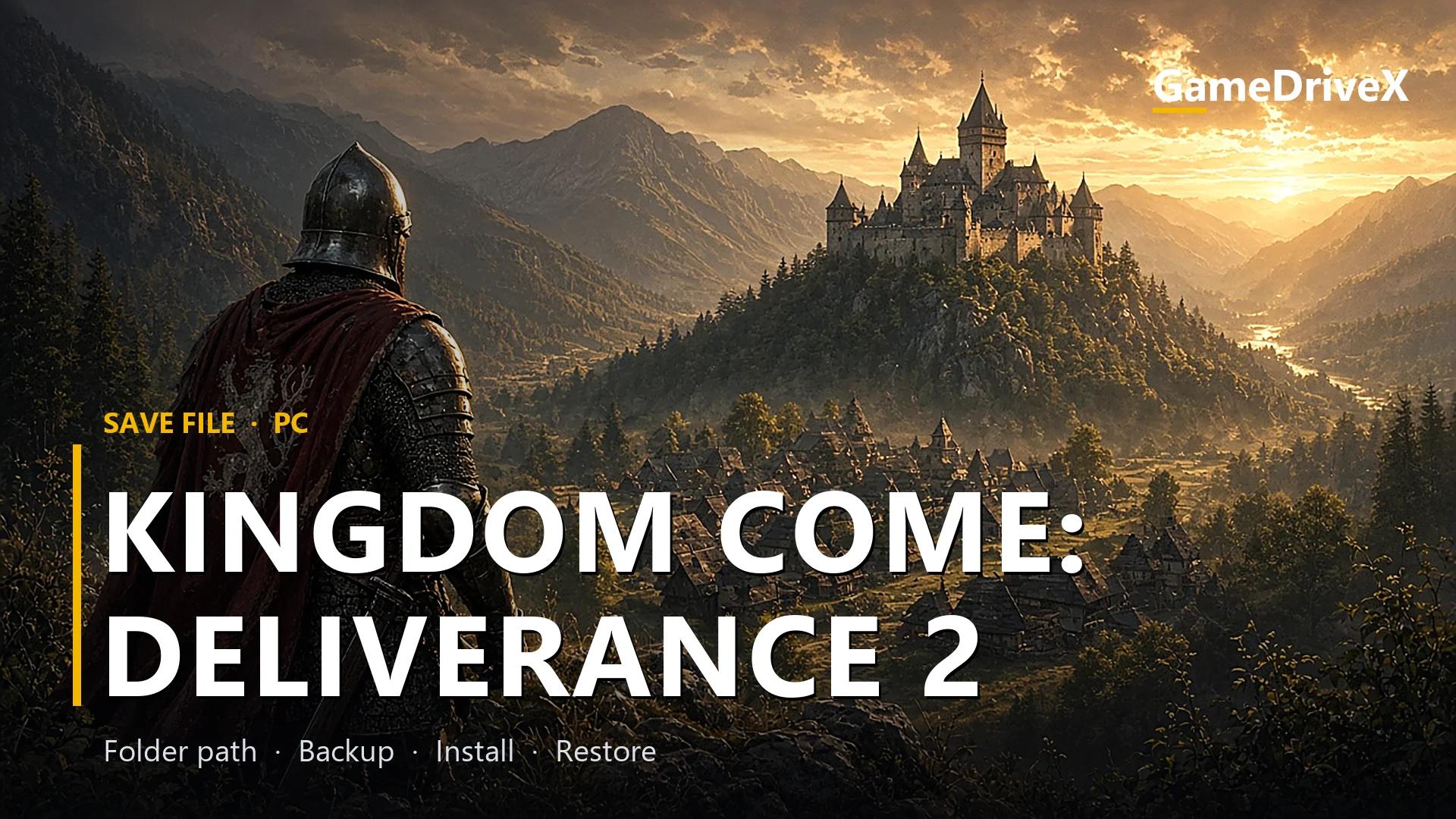
Kingdom Come: Deliverance 2 is a first-person action, rpg and sandbox game by Warhorse Studios, released on Windows on February 4, 2025. It runs on CryEngine V. It is part of the Kingdom Come series. The game offers singleplayer.
The download is a ZIP archive of 99.8 MB with 31 save-related files, mostly .whs files, Warhorse Studios' save format.
The save is a playline0 folder with permanent and exit files. Kingdom Come uses a playthrough folder to hold all saves of one run, so you copy the whole folder, not single files.
Windows players will find (or need to create) the save folder at %USERPROFILE%\Saved Games\kingdomcome2\saves. The Steam app ID is 1771300.
The game is sold on Epic Games Store, GOG.com, Humble, Microsoft Store and Steam. Only the folder path was compared; no store version was tested with this file.
Cloud saves work via Epic Games Launcher, Steam Cloud and Xbox cloud sync. Turn that off while you install, or the cloud version of your progress may win.
Your game settings are stored in a different place from saves (<game install folder>), so installing this save does not touch your graphics or controls, with the exception of any settings file the archive itself contains.
Our checks cover the archive's file list and the save-folder path. We did not play this save, so we make no claim about its level or story point.
What is inside the download
KCIIsaves\playline0\exit.whs(4.6 MB)KCIIsaves\playline0\permanent001.whs(3.1 MB)KCIIsaves\playline0\permanent014.whs(1.2 MB)KCIIsaves\playline0\permanent047.whs(1.3 MB)KCIIsaves\playline0\permanent1032.whs(4.4 MB)KCIIsaves\playline0\permanent1088.whs(4.5 MB)KCIIsaves\playline0\permanent1182.whs(4.5 MB)- ...and 24 more files, 99.8 MB in total for this part of the archive.
Save location
Windows
%USERPROFILE%\Saved Games\kingdomcome2\saves
Windows
Folder names can differ between launchers and game versions. If the folder is missing, check the game's official support page.
1. Back up your current saves
- 1Make sure the game and its launcher are fully closed before touching any files.
- 2This one lives in the
Saved Gamesfolder of your Windows profile. PressWin + R, typeshell:SavedGamesand press Enter to open it. Then open%USERPROFILE%\Saved Games\kingdomcome2\saves. - 3If the folder is missing or empty, start the game once, create one save, quit, and open the folder again so you know it is the right place.
- 4Copy the whole contents to a new folder on your Desktop, named
Kingdom-Come-Deliverance-2-backup. Do not skip this: restoring depends on it. - 5Turn off cloud saves for the game (Epic Games Launcher, Steam Cloud and Xbox cloud sync) before the next step.
2. Install this save file
- 1Extract the archive to a temporary folder on your Desktop (right-click, then Extract with 7-Zip or WinRAR).
- 2Open
KCIIsavesinside the extracted archive. It holdsplayline0\. - 3Copy that folder into
%USERPROFILE%\Saved Games\kingdomcome2\saves, keeping the folder names and the structure inside them unchanged. Choose Replace if Windows asks. - 4Do not rename the files.
- 5Leave cloud sync switched off until you have checked the save loads.
- 6Start the game and open the Load, Continue or Select Save screen.
3. Check that it worked
- 1Open the game's Load, Continue or Select Save screen and look for a save with a date or progress you did not create.
- 2If you only see your own saves, open
%USERPROFILE%\Saved Games\kingdomcome2\savesagain:exit.whsshould be sitting there. - 3Make a new save from within the game and check the Date modified column of the files in the folder: at least one should now show the current time. That proves the game is reading this folder.
4. Restore your original save (undo)
- 1Close the game.
- 2Delete the files you copied from the archive out of
%USERPROFILE%\Saved Games\kingdomcome2\saves. - 3Copy the contents of your Desktop backup folder back into the same place.
- 4Start the game and confirm your own saves are listed again.
- 5Turn cloud sync back on only after your own saves are back and load.
If something goes wrong
The save does not appear on the load screen
The usual cause is the wrong level: confirm you used
%USERPROFILE%\Saved Games\kingdomcome2\saves. Even a single extra subfolder hides the files from the game. Also confirm the store version you launch matches the path for Kingdom Come: Deliverance 2 listed above.Saved Gamesfolder is missingIt appears once a game has used it. Start the game, make a save, quit, then press
Win + Rand typeshell:SavedGames.Your old progress comes back after a restart
A cloud service (Epic Games Launcher, Steam Cloud and Xbox cloud sync) is restoring its own copy. Turn cloud saves off for this game, copy the files again and restart.
The game says the save is damaged or will not load
The archive does not say which game version it was made on, so a mismatch is possible. Restore your backup first. Only try another game version if you know which one the save needs; do not guess.
Frequently asked questions
Where does the Kingdom Come: Deliverance 2 save file go?
On Windows it goes in
%USERPROFILE%\Saved Games\kingdomcome2\saves.How much of my Kingdom Come: Deliverance 2 progress will this replace?
Anything with the same file name in
%USERPROFILE%\Saved Games\kingdomcome2\saves. The archive has 31 files, so check the Contents list: any of those names that already exist in your folder will be overwritten. Your backup covers this.Does it change my settings?
No. The game keeps its settings in
<game install folder>, which is separate from the save folder.Does it work with the Epic Games Store version?
Kingdom Come: Deliverance 2 is available on Epic Games Store, GOG.com, Humble and Microsoft Store. The folder above is the standard folder for Windows, but we did not test other store versions with this file.
Should I turn cloud saves off?
Yes, while you install. Cloud sync works with Epic Games Launcher, Steam Cloud and Xbox cloud sync, and a synced copy of your old save can replace the new file.
More game saves
View allStory Progress Saves Story Progress Saves
 Story Progress Saves
 Story Progress Saves