 Story Progress Saves
Windows
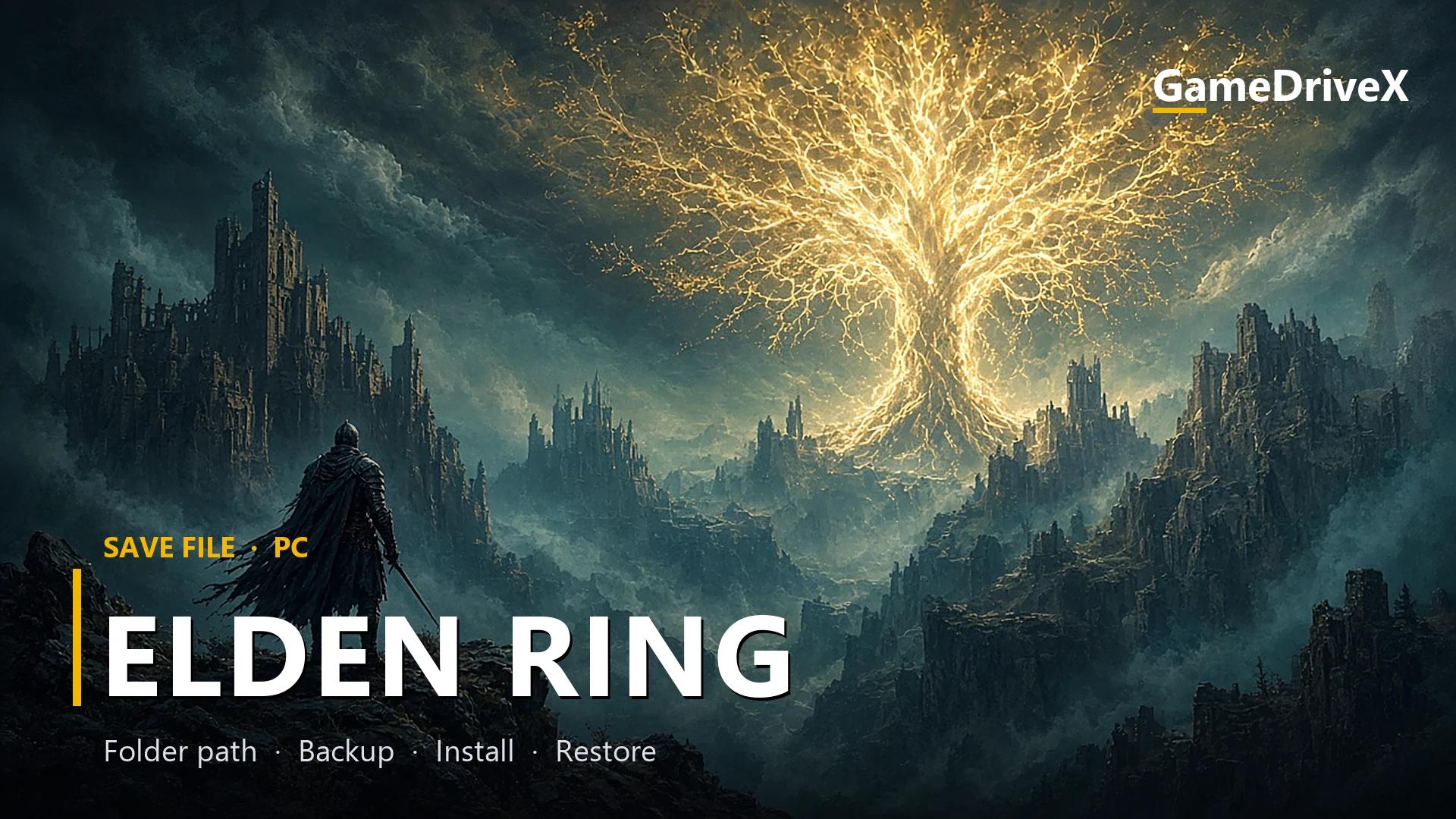
Elden Ring 100% Working Save File for PC
Elden Ring
elden ring 100% working save file. Elden Ring save file for PC: location, backup, install, load fixes.
By GameDriveX Editorial Team · Published · Updated
About this save
This download holds 276 checkpoint copies of ER0000.sl2, the Elden Ring save file. You pick one, copy it into your SteamID64 folder under %APPDATA%\EldenRing, and leave the rest in the archive because the full set expands to about 8 GB.
We did not run Elden Ring with these saves.
Here is the important part: 276 files at 27.6 MB each add up to roughly 8 GB uncompressed. The archive is only 68 MB, which presumably means the files compress very well. We did not compare their contents. Do not extract everything.
The listing this file came from calls the save complete. The archive contradicts that description: it is a set of 276 snapshots, and we cannot tell from here which one is the final one.
The <your Steam ID> part is your Steam ID64, a 17-digit number. GraphicsConfig.xml sits one level up, in %APPDATA%\EldenRing\.
The archive's folder is named 76561197960267366. Unless that is your Steam ID, the number will not match, and that mismatch is the main thing to deal with.
What is inside the download
- 276 files called `ER0000.sl2`, each exactly 28,967,888 bytes (about 27.6 MB). That is the game's save file.
- 1 file `ER0000.sl2.bak` and 1 `GraphicsConfig.xml` (2,408 bytes), both in the first folder.
- Numbered checkpoint folders such as
003 Благодать Первый шаг,005 Благодать Лесная пещераand009 БОСС Предводитель полулюдей оба повержены. The word *Благодать* is Russian for "grace", so many of these look like Sites of Grace. The last few folders are454 Благодать Расколотая Марика (Выбор финала),456 Перед Новой Игрой +and457 Новая Игра + (Приключение 2), which reads as the ending choice, "before New Game+" and "New Game+ (Adventure 2)". These translations are mine. - Folder `001`, whose Russian note says it is the complete save folder. It is the only folder with the full
EldenRing\76561197960267366\structure.
Save location
Windows
%APPDATA%\EldenRing\<your SteamID64>\ER0000.sl2
Save file. Graphics settings are in GraphicsConfig.xml in %APPDATA%\EldenRing\.
Folder names can differ between launchers and game versions. If the folder is missing, check the game's official support page.
1. Back up your current saves
- 1Press
Win + R, type%APPDATA%\EldenRingand press Enter. - 2You should see a folder named with 17 digits. Write that number down.
- 3Copy the whole
EldenRingfolder to your Desktop asEldenRing-backup.
2. Install this save file
- 1Quit Elden Ring completely.
- 2Open the
.7zin 7-Zip and browse to the checkpoint you want. Do not extract the whole archive. - 3Drag only that folder's
ER0000.sl2to your Desktop. - 4Open
%APPDATA%\EldenRing\<your 17-digit ID>\and replaceER0000.sl2with the new file. You do not need to rename anything. The folder already has your ID. - 5Launch the game and check the character list.
3. Check that it worked
- 1On the character select screen you should see a character that is not yours, with a different name, level and location.
- 2If your own characters are still listed, the new file did not land in the folder the game reads.
- 3After loading, check that your character, level and map position look right before you play on.
4. Restore your original save (undo)
- 1Close the game.
- 2Copy
ER0000.sl2fromEldenRing-backup\<your ID>\back into%APPDATA%\EldenRing\<your ID>\and replace the file. - 3Keep Steam Cloud off until you have checked that your own characters are back.
If something goes wrong
Extraction fails or the drive fills up
You tried to unpack all 276 files. Cancel, delete the partial folder, and extract a single checkpoint instead.
The old character is still there
The file is probably in the wrong folder. Elden Ring only reads the folder named with your own ID.
The save comes back to the old one
Steam Cloud restored its copy. Turn it off for this game in the Steam properties, then copy the file again.
The game shows an error on startup
Do not disable it just to load a save.
Not sure whether it can get you banned
We found no official statement about imported saves and Easy Anti-Cheat. We cannot say it is safe online. Keep it to offline play.
Frequently asked questions
Which checkpoint is the final one?
The highest numbers (454 to 457) look like the ending and New Game+, but we cannot confirm it from the file names alone.
Does it include the Shadow of the Erdtree expansion?
Unverified. The archive does not say.
Why is there a `.bak`?
It only appears in folder
001, and it is exactly the same size as the ER0000.sl2 beside it, so it is presumably a spare copy.What game version were they made on?
Unverified. No version information is supplied.
More game saves
View allStory Progress Saves Story Progress Saves
 Story Progress Saves
 Story Progress Saves