 Story Progress Saves
Windows
Baldur's Gate 3 100% Working Save File for PC
Baldur's Gate 3
baldur's gate 3 100% working save file. Baldur's Gate 3 save file for PC: location, backup, install, load fixes.
By GameDriveX Editorial Team · Published · Updated
About this save
This download holds two Baldur's Gate 3 saves (.lsv) with a thumbnail each. The archive has no folder structure, so the page below shows how to check the layout in your own Story save folder before copying.
Try one save first. The 50 and the 100 files are separate saves, so copying a single pair lets you confirm the folder layout before you touch the second one. If the first pair loads, copy the other pair the same way.
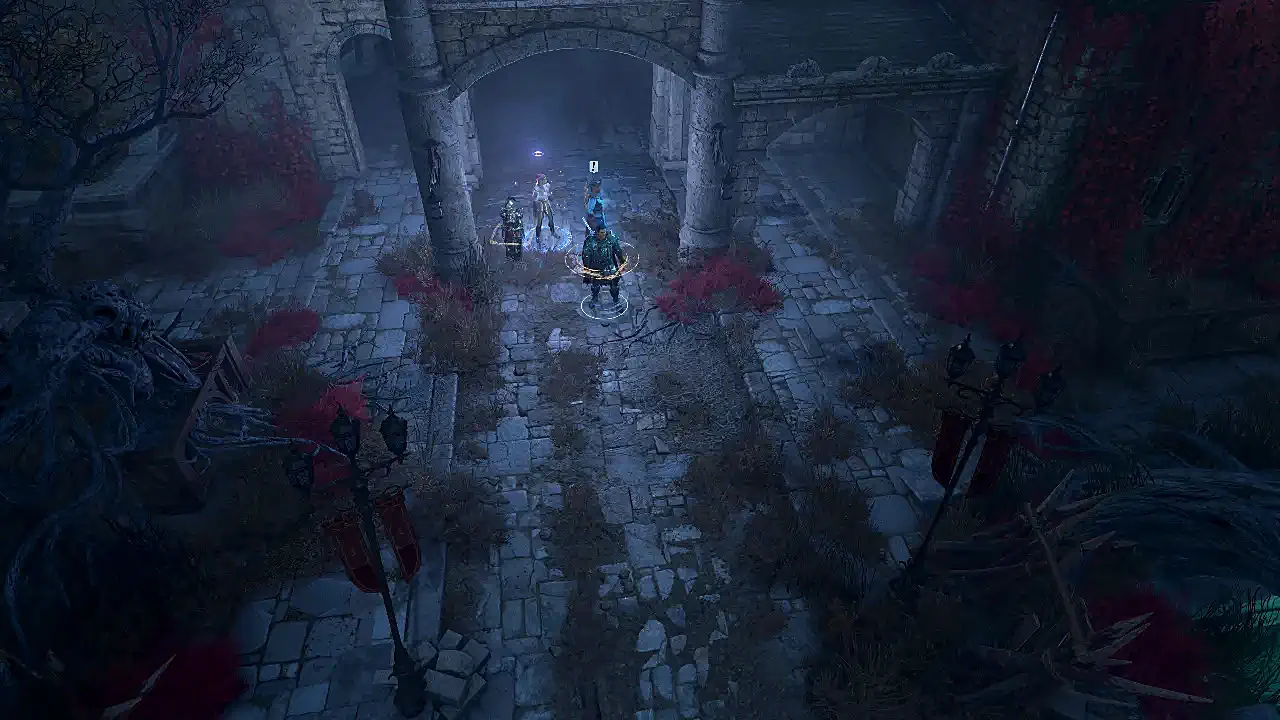
The .lsv files are the saves. The WebP files are thumbnails of 1280x720. One shows a party standing on a wooden pier next to a rowboat. The other shows a party in a ruined courtyard. The "50" and "100" in the file names are not explained anywhere in the archive, so we will not guess what they stand for. The listing this file came from calls the save complete. The thumbnails alone cannot confirm that.
On Steam it also lists a cloud folder at <Steam folder>\userdata\<your account ID>\1086940\remote. It reports Steam Cloud as supported. GOG Galaxy cloud saves are opt-in, and we found no entry for Xbox.
What is inside the download
- Metadata,
Baldurs Gate 50.lsv: 29,737,475 bytes - Metadata,
Baldurs Gate 50.WebP: 57,132 bytes - Metadata,
Baldurs Gate 100.lsv: 36,007,771 bytes - Metadata,
Baldurs Gate 100.WebP: 27,342 bytes
Save location
Windows
%LOCALAPPDATA%\Larian Studios\Baldur's Gate 3\PlayerProfiles\Public\Savegames\Story\
The folder layout inside it was not documented.
Windows
<Steam folder>\userdata\<your account ID>\1086940\remote
Steam Cloud folder.
Folder names can differ between launchers and game versions. If the folder is missing, check the game's official support page.
1. Back up your current saves
- 1Press
Win + R, paste%LOCALAPPDATA%\Larian Studios\Baldur's Gate 3\PlayerProfiles\Public\Savegames\Storyand press Enter. - 2If the folder is empty, start the game, make one save, quit, and open the folder again.
- 3Copy the whole
Storyfolder to your Desktop asBG3-saves-backup. - 4Open one of your own saves and note which files sit together (the
.lsvand its thumbnail, and whether they are inside a subfolder). You will copy the new files in the same pattern.
2. Install this save file
- 1Close Baldur's Gate 3. If you use Steam Cloud, turn it off for the game first.
- 2Extract the zip.
- 3Copy one pair (
.lsvplus its.WebPthumbnail) intoStory, using the same layout as your own save from the backup step. - 4Start the game and open the Load menu. This layout is not documented, so treat the first attempt as a test: if nothing shows up, stop and compare with your own save again.
3. Check that it worked
- 1In the Load menu you should see a new entry using the pier or courtyard thumbnail.
- 2If it is missing, the files are not in the layout the game expects.
- 3After loading, check that your character, level and map position look right before you play on.
4. Restore your original save (undo)
- 1Delete what you added and copy
BG3-saves-backupoverStory. - 2Start the game and confirm your own saves are listed.
- 3To go back to your old progress, close the game and delete the files you copied.
If something goes wrong
Saves do not show
Compare your folder layout again with one of your own saves. The files may need to sit in a subfolder, and we could not verify that.
Steam brought the old saves back
The cloud folder at
userdata\<ID>\1086940\remoteis synced. Turn off Steam Cloud for the game and try again.The game version could be older or newer
We do not know which patch these saves came from, so that is unverified.
Screenshots
Thumbnail bundled with Baldurs Gate 50.lsv: a party on a wooden pier next to a rowboat. 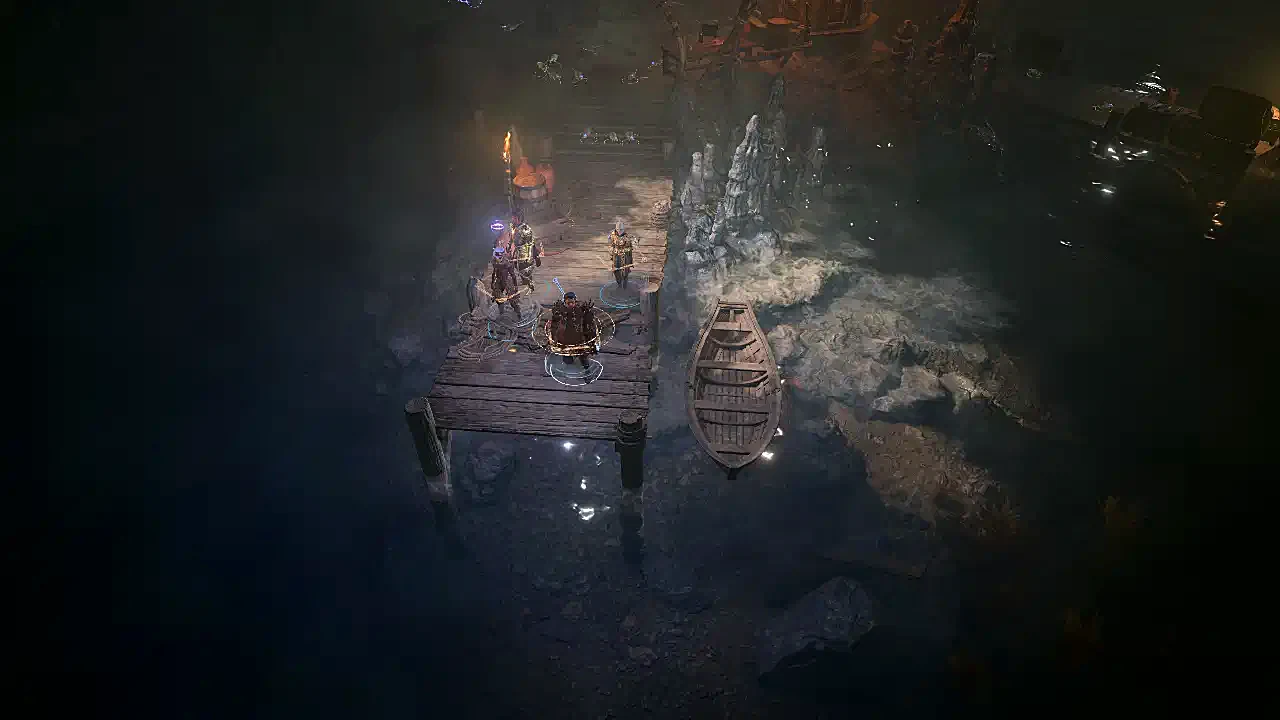
Thumbnail bundled with Baldurs Gate 100.lsv: a party in a ruined courtyard.
Frequently asked questions
Is it the full game?
The archive does not say.
Do we need both saves?
No. They are separate files, and you can try just one.
More game saves
View allStory Progress Saves Story Progress Saves
 Story Progress Saves
 Story Progress Saves